Clean visible surfaces
Wipe counters, mirrors, appliances, fixtures, and floors so the actual finishes read clearly.
Plan the rooms to photograph, review image quality and privacy, and make sure every published photo gives renters an honest view of the property.
A short preparation pass reduces avoidable editing and makes the room easier for prospective tenants to evaluate.
Wipe counters, mirrors, appliances, fixtures, and floors so the actual finishes read clearly.
Open curtains, switch on working lights, and keep doors positioned so the room layout is understandable.
Move laundry, dishes, bins, toiletries, documents, cables, and tenant-specific belongings out of view where possible.
Cover the spaces renters use to judge layout, condition, storage, access, and included amenities.
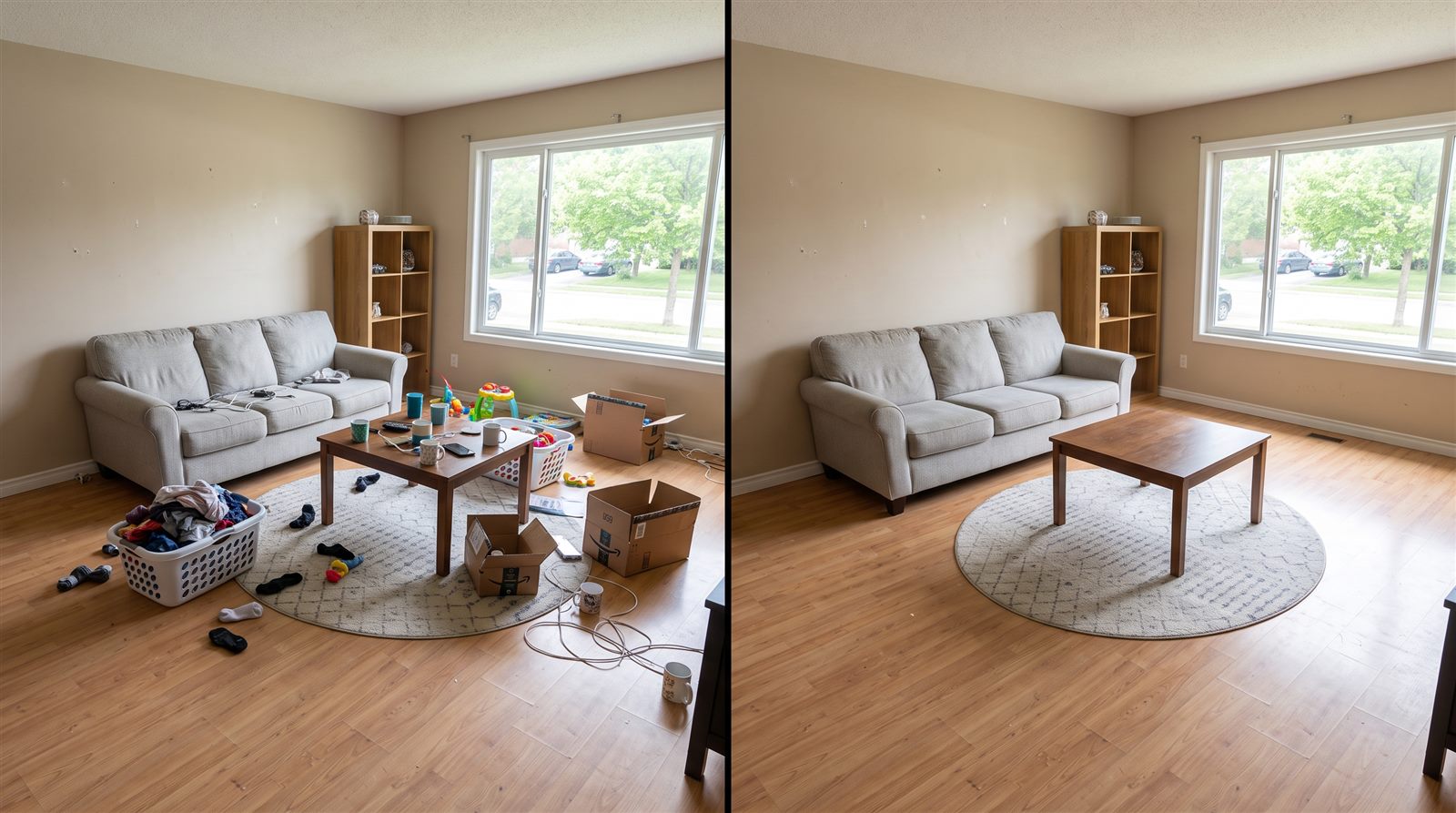 OriginalCleanup preview
Photograph the main seating area, windows, floor space, and the view toward adjoining rooms.
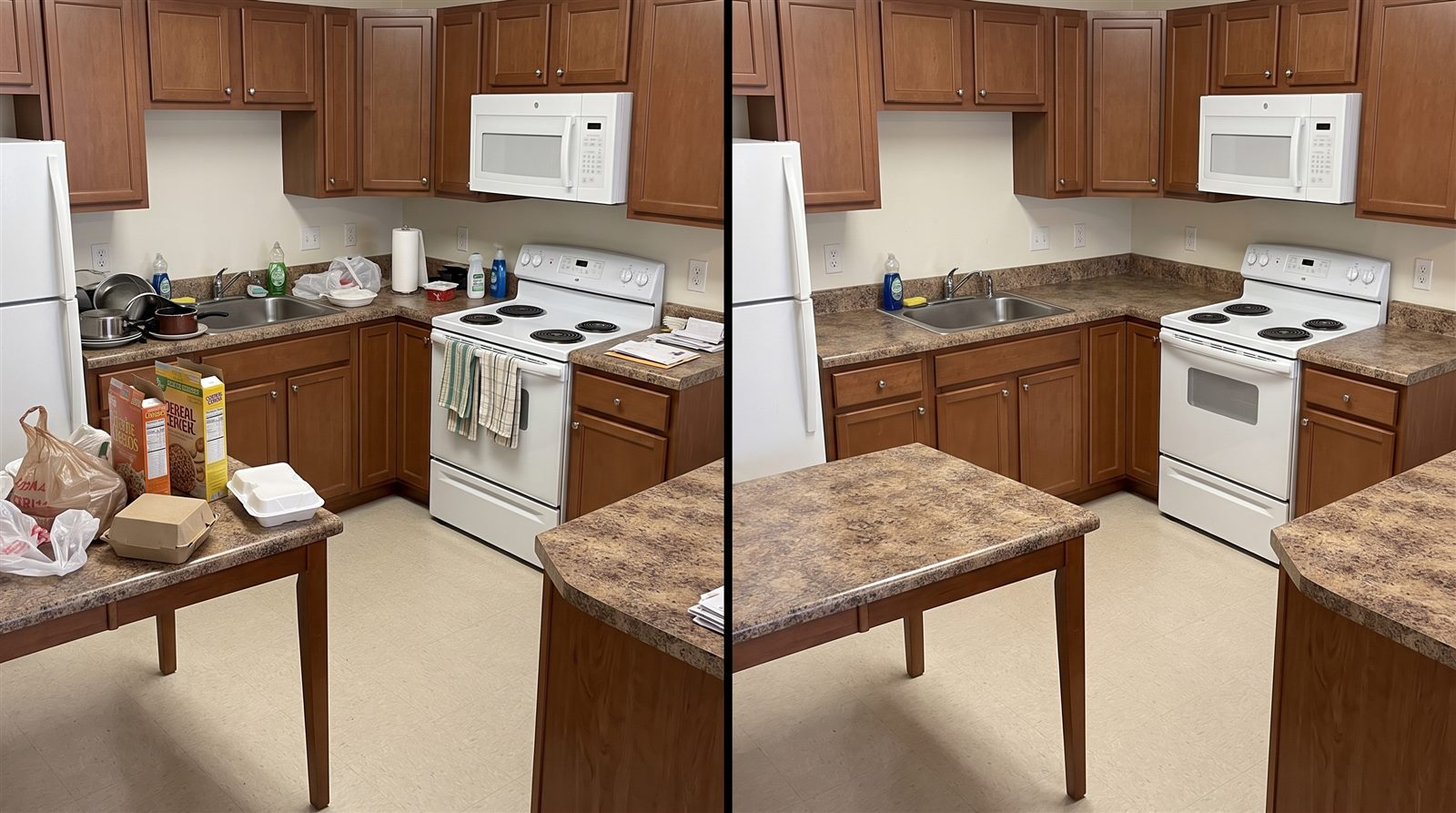 OriginalCleanup preview
Show counters, cabinets, appliances, sink, flooring, and the practical working space.
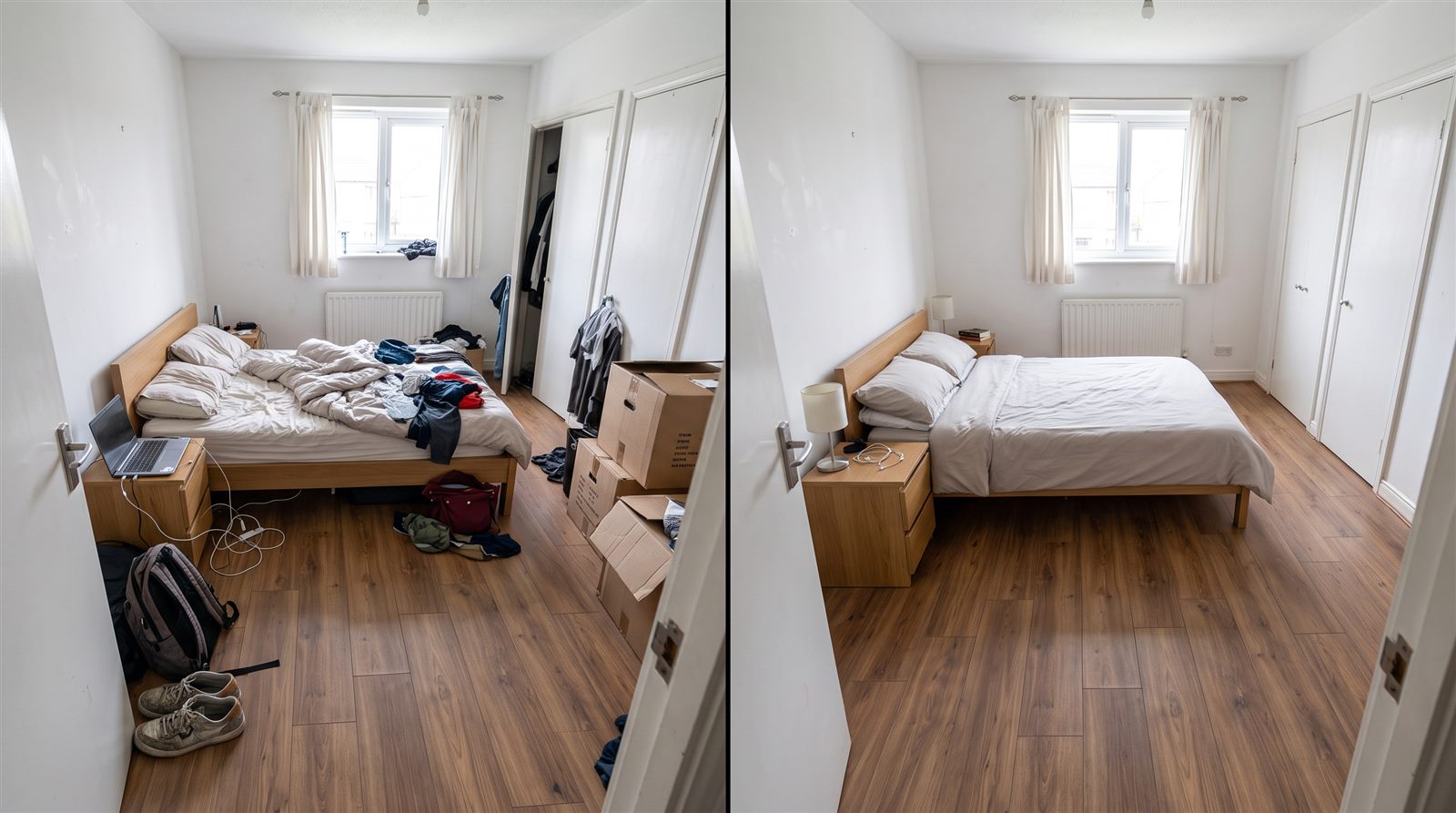 OriginalCleanup preview
Capture the room from the doorway and a second angle that shows windows and storage.
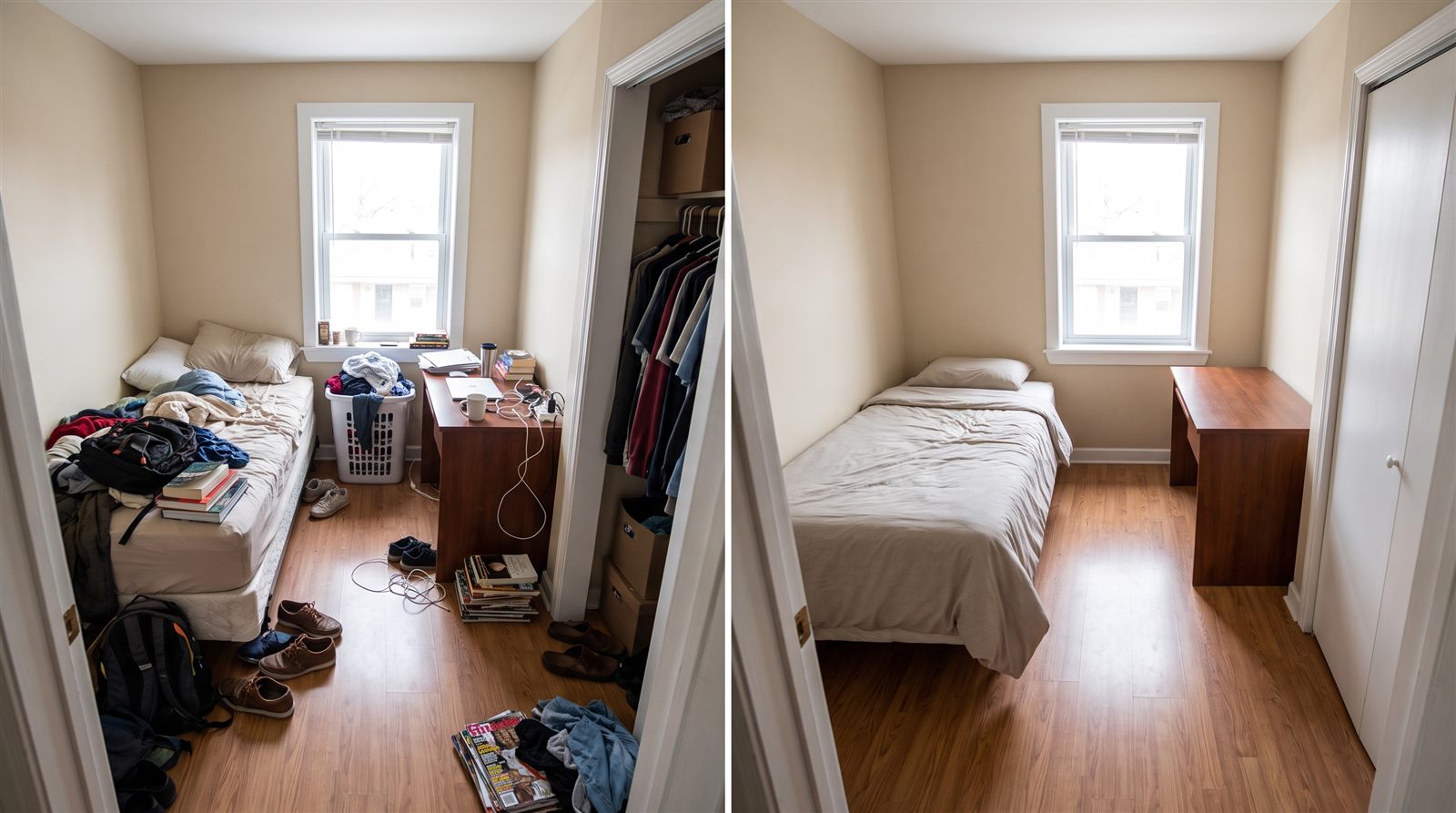 OriginalCleanup preview
Include every legal bedroom and use a consistent camera height and orientation.
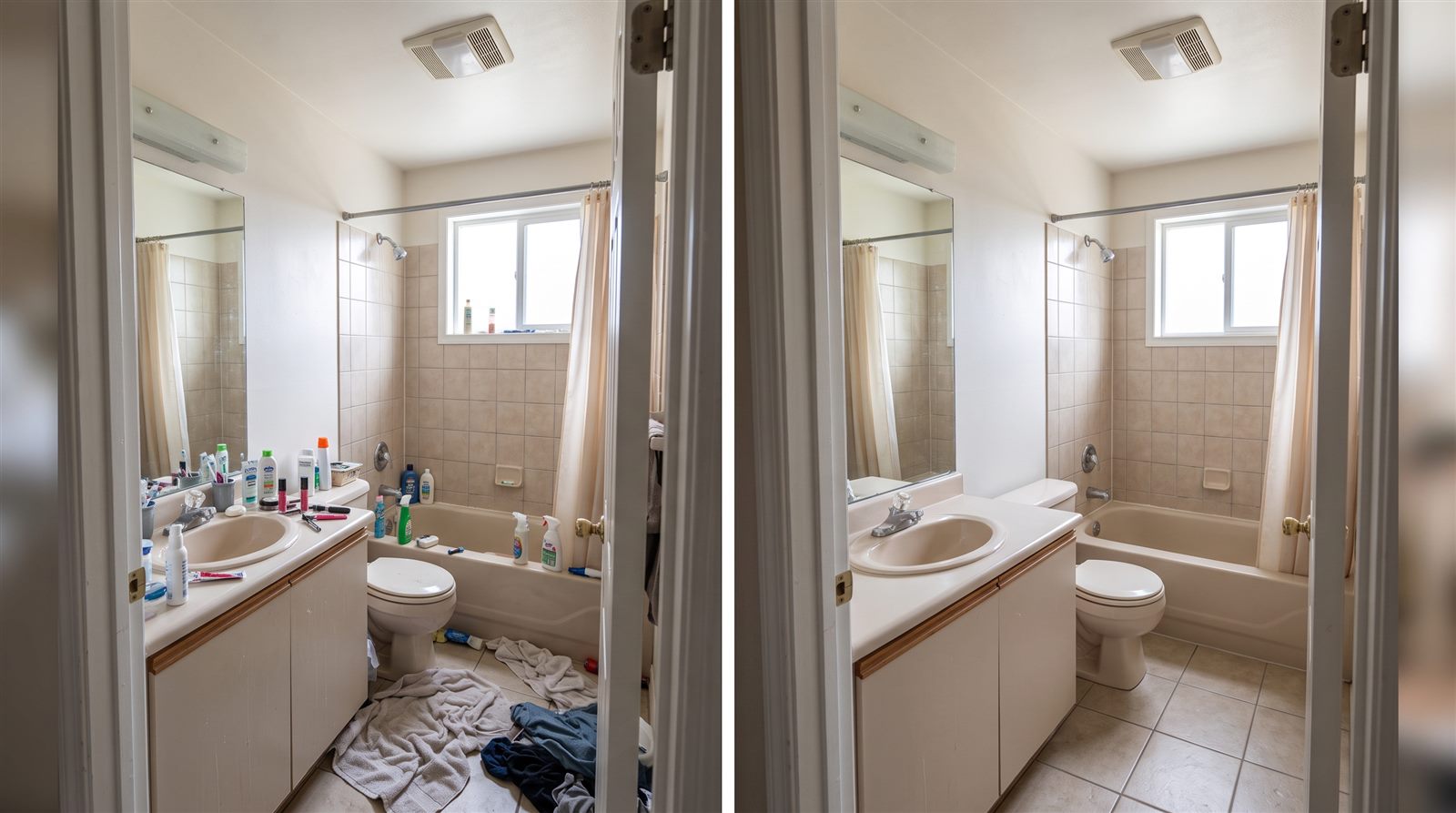 OriginalCleanup preview
Show the sink, toilet, shower or bath, ventilation, storage, and visible finishes.
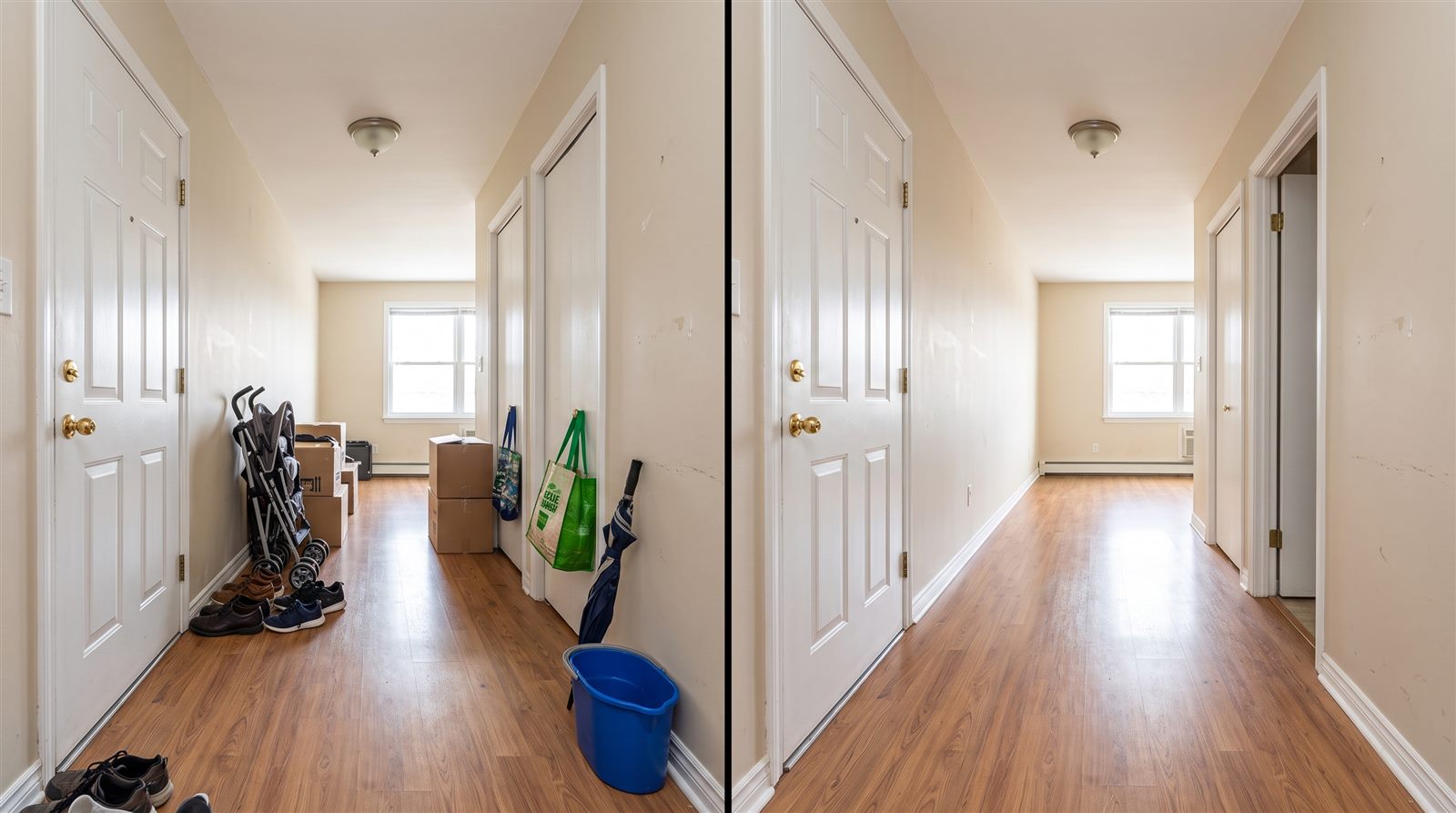 OriginalCleanup preview
Document the arrival experience, circulation space, stairs, and built-in storage.
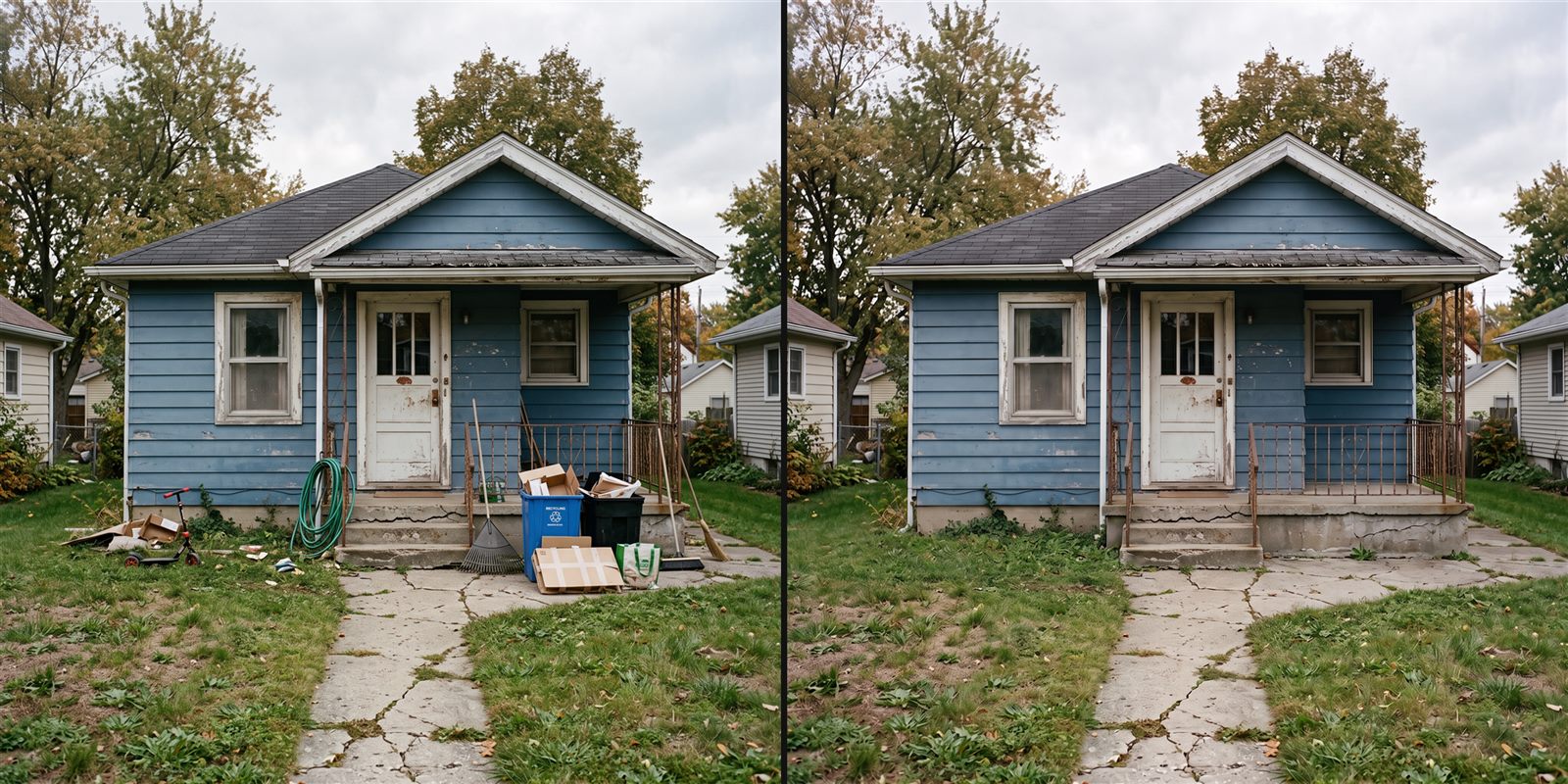 OriginalCleanup preview
Include the building entrance, yard or balcony, parking, and shared access where relevant.
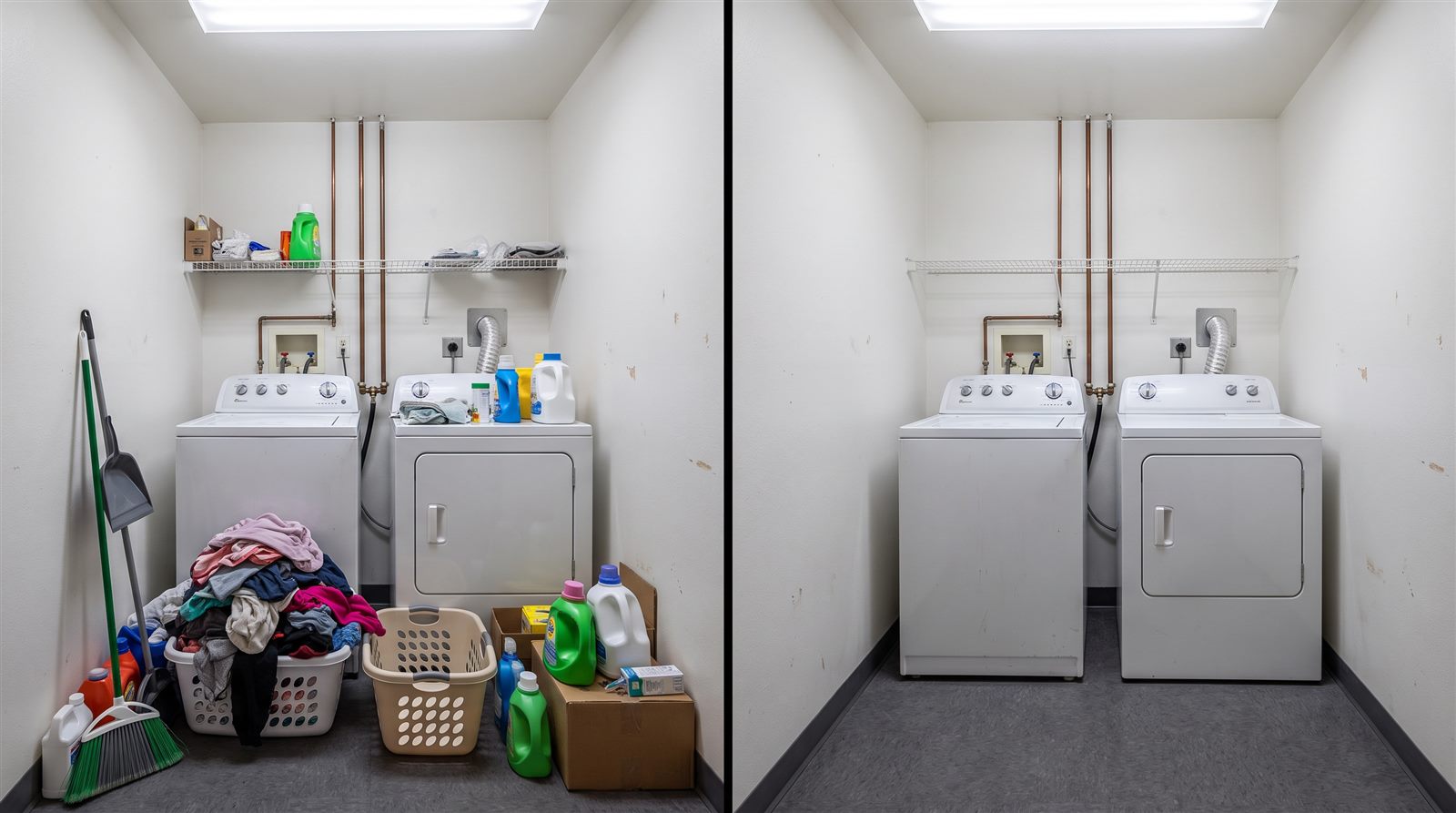 OriginalCleanup preview
Photograph only amenities that are genuinely included with the rental.
Review the whole set—not only the cover image—before uploading it to a rental platform.
When a useful photo still contains temporary clutter, RentReadyPhotos can help reduce items such as boxes, laundry, dishes, toys, cables, and cleaning supplies. Upload one photo, review the cleanup result beside the original, and download it only when the property remains accurately represented.
Do not use cleanup to remove cracks, stains, mold, water damage, broken fixtures, missing appliances, safety issues, or other facts a renter should know. AI cleanup is not virtual staging, renovation, or a replacement for an accurate property record.
Use the checklist before shooting, after editing, and immediately before publishing a rental listing.
A room-by-room rental listing photo checklist covering preparation, image selection, privacy, quality, truthful editing, and publishing review.
Landlords, property managers, leasing agents, and rental operators use it when creating or updating listing photos for a vacant or occupied property.
It helps teams capture the rooms renters expect, remove weak or duplicate images, and catch privacy or accuracy problems before publishing.
Unlike a generic photography tip list, it connects room coverage with rental-specific disclosure, tenant privacy, original-image review, and responsible AI cleanup.
Complete the room and quality checks, then upload one cluttered image to compare a cleanup result with the original before using it publicly.
Review every edited image before publishing. Do not use AI cleanup to hide defects, change permanent property features, or misrepresent the rental. Keep the original photo and disclose AI edits when required.